

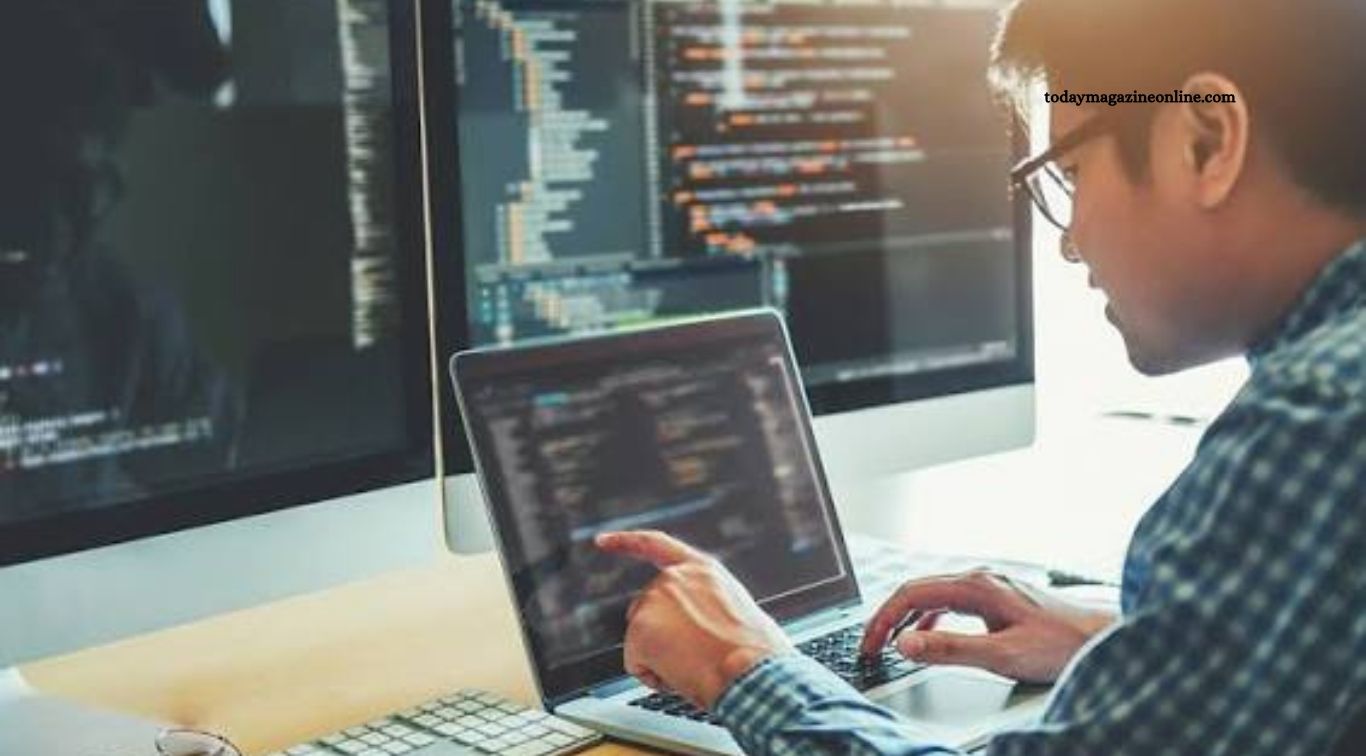
Computer technology continues to evolve, changing how people work, communicate, learn, and manage everyday tasks. Modern computers are becoming faster, more efficient, and increasingly capable of handling complex workloads. From artificial intelligence to advanced processors, new developments are creating opportunities for businesses, students, developers, and technology enthusiasts.
Several computer technology trends are gaining attention because they offer practical solutions to modern challenges. Cloud computing makes powerful resources accessible, AI-powered computers improve productivity, and stronger cybersecurity tools help protect sensitive information. Understanding these developments can help users make informed decisions when choosing devices, upgrading systems, or exploring new digital skills.
Read More: What to Know About the Future of Artificial Intelligence
Artificial Intelligence-Powered Computers
Artificial intelligence is becoming an important part of modern computer technology. Many new computers include processors designed to accelerate AI tasks, enabling features such as background noise removal, image enhancement, live captions, and intelligent search. These capabilities can improve productivity while reducing the need to rely entirely on remote services.
AI-powered computers are also changing how people interact with software. Users can summarize documents, generate ideas, organize information, and automate repetitive tasks with suitable applications. However, available features depend on the device, software, and processor. Users should also consider privacy settings, because some AI tasks run locally while others send information to cloud-based systems.
Next-Generation Computer Processors
Computer processors continue to improve through advances in architecture, manufacturing techniques, and energy management. Modern CPUs are designed to deliver stronger performance while balancing power consumption and heat generation. These improvements benefit everyday laptops, desktop computers, workstations, and high-performance systems used for demanding professional tasks.
Processor development also focuses on specialized computing workloads. Some chips include dedicated accelerators for AI, graphics, encryption, or other operations. When choosing a new computer, users should consider more than clock speed alone. Core count, thermal design, memory support, battery efficiency, and the software being used all influence real-world performance.
Cloud Computing and Virtual Computers
Cloud computing allows users to access computing resources through the internet instead of depending entirely on their own hardware. Businesses can rent processing power, storage, databases, and software according to their needs. This approach can reduce the need to purchase and maintain expensive infrastructure, especially for organizations with changing workloads.
Virtual computers also help developers, students, and remote workers access specialized environments from different locations. A cloud-based workstation can support software development, data analysis, and other demanding activities when configured with suitable resources. However, performance depends on internet speed, service availability, subscription costs, and security controls. Organizations must also consider data privacy and the risk of becoming too dependent on a single provider.
Quantum Computing Research
Quantum computing is an emerging field that uses quantum-mechanical principles to process information in ways that differ from conventional computers. Researchers are exploring its potential for specialized problems involving materials science, chemistry, optimization, and certain mathematical calculations. The technology attracts attention because it could eventually help address challenges that are difficult for traditional systems.
Despite its promise, quantum computing is not a replacement for ordinary computers. Current systems face significant technical challenges, including error correction, stability, and scaling. Most everyday users do not need quantum hardware for browsing, gaming, office work, or software development. For now, its main importance lies in research, experimentation, and the possibility of future breakthroughs in specialized fields.
Faster and More Efficient Computer Memory
Memory technology plays a major role in computer performance. RAM allows applications to access the data they need quickly, while storage drives keep files and programs available over time. Improvements in memory capacity, bandwidth, and efficiency help computers manage larger applications, complex creative projects, and demanding multitasking workloads.
High-bandwidth memory is particularly important in AI accelerators and graphics processing systems, where moving large amounts of data quickly can influence performance. For everyday users, having enough RAM can be more valuable than choosing the most expensive processor. People who work with large datasets, video editing, or virtual machines should evaluate memory capacity and upgrade options before buying a device.
Solid-State Drives and Faster Storage
Solid-state drives, commonly called SSDs, have transformed computer storage by offering fast data access without the moving parts found in traditional hard disk drives. NVMe SSDs connected through suitable interfaces can provide especially high transfer speeds, improving operating-system startup, application loading, and large-file transfers.
Faster storage can make a computer feel more responsive, particularly when opening programs or working with large projects. However, actual performance depends on the drive, connection, system configuration, and workload. Traditional hard drives remain useful for affordable bulk storage, while SSDs are often preferable for operating systems and frequently used applications. A combination of both can provide a practical balance between speed and capacity.
Advanced Graphics Processing Units
Graphics processing units, or GPUs, are no longer used only for gaming and visual effects. Their ability to perform many calculations in parallel makes them valuable for machine learning, scientific research, engineering simulations, video production, and complex visual applications. New GPU designs continue to improve rendering performance and support specialized computing tasks.
For gamers, advanced GPUs can deliver higher frame rates, improved lighting effects, and more detailed graphics when paired with compatible software and displays. Content creators may benefit from faster video encoding, rendering, and AI-assisted editing. However, powerful graphics cards can consume substantial electricity and generate heat. Buyers should check system compatibility, power supply requirements, memory capacity, and the applications they intend to use.
Cybersecurity and Hardware-Based Protection
Cybersecurity is becoming increasingly important as computers store more personal, financial, and professional information. Modern systems may include hardware-backed security features that help protect encryption keys, verify system integrity, and support secure login methods. These protections can make it harder for attackers to access sensitive data when combined with appropriate software and user practices.
Security technology is most effective when it forms part of a broader protection strategy. Users should install operating-system updates, enable multifactor authentication where available, use strong passwords, and maintain reliable backups. Businesses should also control access permissions and train employees to recognize phishing attempts. No single hardware feature can eliminate every threat, so consistent security habits remain essential.
Edge Computing and Local Data Processing
Edge computing processes information closer to where it is created instead of sending every task to a distant data center. This approach can reduce delays and improve responsiveness for systems that require quick decisions. It is becoming relevant to industrial equipment, smart devices, connected vehicles, healthcare technology, and other applications that generate large amounts of data.
Local processing can also reduce dependence on continuous internet access and help limit the amount of information transferred to external services. However, edge systems may have limited computing power, storage, and maintenance resources compared with centralized infrastructure. Organizations must balance speed, cost, security, and manageability when deciding which tasks should run locally and which should remain in the cloud.
Energy-Efficient and Sustainable Computing
Energy efficiency is becoming a major consideration in computer design. Manufacturers are developing processors, displays, cooling systems, and power-management features intended to deliver useful performance with lower energy consumption. Efficient laptops can provide longer battery life, while data centers benefit from reducing the electricity required for computing and cooling.
Sustainable computing also includes extending device lifespans, repairing hardware, recycling electronic waste, and choosing components that meet actual needs. Buying a powerful computer that exceeds everyday requirements may lead to unnecessary costs and energy use. Users can make more sustainable choices by maintaining their devices, replacing components when practical, and disposing of old electronics through appropriate recycling programs.
Modular and Upgradeable Computer Designs
Modular computer designs aim to make certain components easier to replace, repair, or upgrade. Depending on the device, users may be able to change RAM, storage drives, batteries, keyboards, or other parts without replacing the entire computer. This approach can reduce long-term ownership costs and help extend a device’s useful life.
Upgradeable systems are particularly valuable for users whose needs may change over time. A student might begin with basic applications and later require more storage or memory for programming and creative work. However, not every laptop supports upgrades, and some components are soldered directly to the motherboard. Checking repairability, upgrade options, warranty conditions, and component compatibility before purchasing can prevent future limitations.
Wi-Fi 7 and Faster Computer Connectivity
Wireless networking continues to advance, helping computers connect to online services, shared files, cloud applications, and other devices. Wi-Fi 7 introduces capabilities designed to improve speed, reduce latency, and manage network traffic more effectively when compatible routers and client devices are used. These benefits can be useful in busy homes, offices, and environments with demanding wireless workloads.
Real-world performance depends on several factors, including router quality, distance, walls, interference, internet service speed, and the number of connected devices. Upgrading to a newer Wi-Fi standard will not automatically make every internet connection faster. Users should first identify their current network limitations and confirm that their computer, router, and internet plan can take advantage of the available technology.
Augmented Reality and Spatial Computing
Augmented reality and spatial computing combine digital information with a user’s view of the physical environment. Computers and connected devices can support these experiences through cameras, sensors, displays, and specialized software. Potential applications include product design, technical training, education, architecture, and remote collaboration.
These technologies may allow professionals to examine three-dimensional models, visualize equipment layouts, or interact with digital objects in more natural ways. However, adoption depends on device costs, comfort, software availability, and practical benefits. Traditional screens remain more convenient for many everyday tasks. Spatial computing is most useful when its immersive features solve a real problem that ordinary computer interfaces cannot address as effectively.
AI-Assisted Software Development
Software development tools are increasingly incorporating AI features that help programmers write code, explain unfamiliar functions, identify possible errors, and generate tests. These assistants can reduce time spent on repetitive tasks and help beginners understand programming concepts. Experienced developers may also use them to explore possible solutions or review sections of a codebase.
AI-generated code still requires careful human review. Suggestions can contain bugs, security weaknesses, outdated methods, or incorrect assumptions about a project. Developers should test generated code, understand what it does, and avoid sharing confidential information with services that are not approved for their work. AI assistance is most effective when combined with programming knowledge, reliable testing, and sound software engineering practices.
High-Resolution and Adaptive Computer Displays
Computer displays are improving through higher resolutions, better color reproduction, faster refresh rates, and adaptive display technologies. These features can improve the experience of gaming, video editing, graphic design, and everyday computer use. Some displays adjust their refresh rate to match the content, helping reduce visual tearing and improve smoothness.
The best display depends on the user’s priorities. Graphic designers may value color accuracy, while gamers often prioritize refresh rates and response times. Office users may benefit more from comfortable text rendering, appropriate brightness, and ergonomic positioning. Before purchasing a monitor, consider screen size, resolution, panel type, connectivity, and how much desk space is available.
How to Choose the Right Computer Technology
Choosing suitable computer technology begins with understanding the tasks you need to perform. Students and office workers may prioritize reliability, battery life, sufficient RAM, and fast storage. Gamers may focus on graphics performance and cooling, while software developers and content creators may need more memory, processing power, and support for specialized applications.
Budget and long-term value also matter. Compare complete system specifications instead of relying on marketing terms or a single performance figure. Check upgrade options, warranty coverage, software compatibility, and energy requirements. A well-balanced computer that meets your needs can provide a better experience than an expensive system with features you rarely use.
Frequently Asked Questions
What are the latest computer technology trends?
Important trends include AI-powered PCs, advanced processors, cloud computing, faster storage, cybersecurity improvements, and energy-efficient hardware.
How is AI changing computer technology?
AI is helping automate tasks, improve software tools, enhance digital content, and accelerate specialized workloads on compatible devices.
Is quantum computing available for everyday users?
Quantum computing is mainly used for research and specialized experimentation. Conventional computers remain the practical choice for everyday tasks.
Why are SSDs better than traditional hard drives?
SSDs generally offer faster data access, quicker startup times, and better resistance to physical shock because they have no moving parts.
Do I need an AI-powered computer?
Not necessarily. It may help if you regularly use AI features, but a conventional computer can still handle many everyday tasks effectively.
How can I make my computer more secure?
Install updates, use strong passwords, enable multifactor authentication, maintain backups, and avoid suspicious links or downloads.
Conclusion
New computer technology trends are changing how people use devices for work, education, entertainment, research, and communication. Artificial intelligence, advanced processors, faster storage, cloud computing, improved cybersecurity, and energy-efficient designs are among the developments shaping modern computing. Emerging fields such as quantum computing and spatial technology also offer possibilities for future applications.

1 Comment
Pingback: How Automation Technology Is Changing the Workplace - Today Magazine Online