

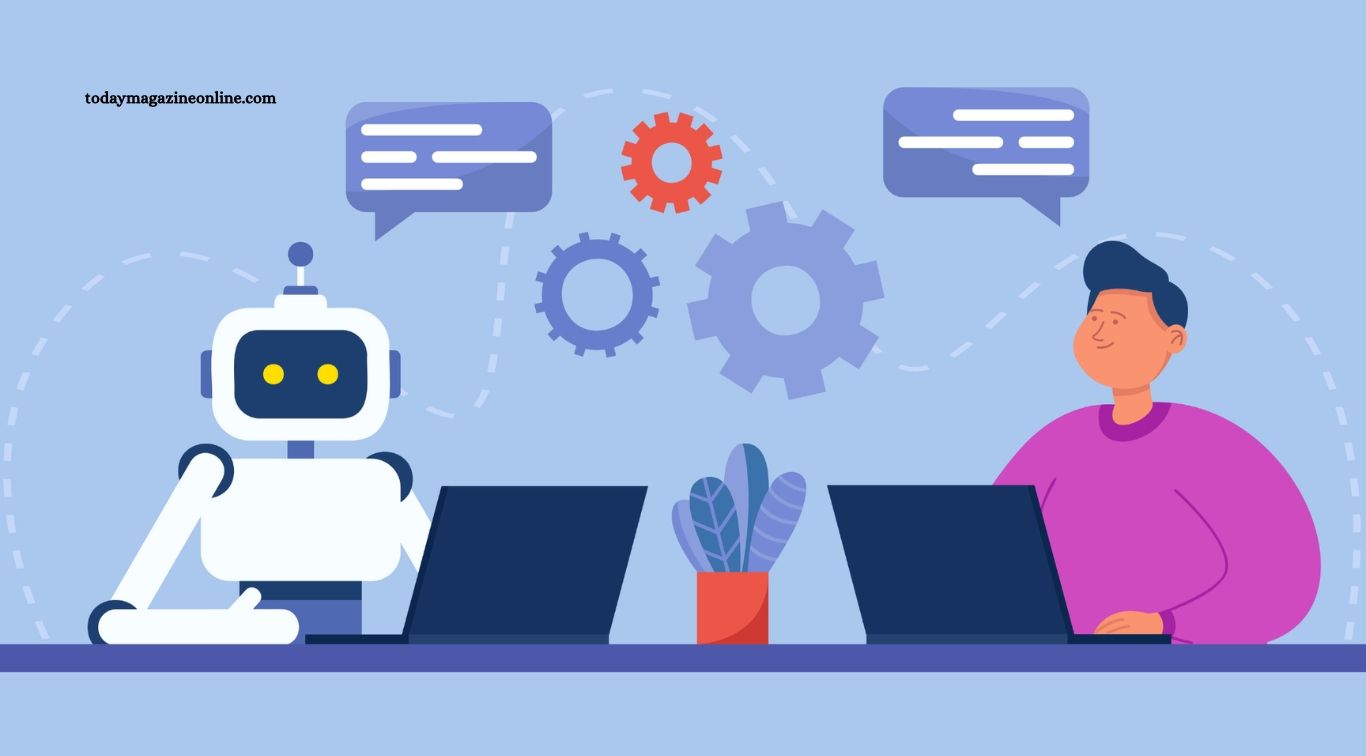
Automation technology is changing the modern workplace by helping businesses complete tasks faster, improve accuracy, and reduce repetitive manual work. From automated customer service systems to industrial robots and intelligent software, organizations are adopting new technologies to streamline operations and improve productivity. These developments are transforming how employees work, how managers make decisions, and how companies deliver products and services.
Workplace automation is no longer limited to factories and large corporations. Small businesses, educational institutions, healthcare providers, retailers, and office-based organizations are also using automated tools to manage daily activities. Although automation creates new opportunities, it also raises questions about job security, employee training, and the future of work. Understanding these changes helps businesses and workers prepare for an increasingly technology-driven workplace.
Read More: New Computer Technology Trends Gaining Attention
Improving Workplace Productivity
One of the biggest benefits of automation technology is its ability to increase productivity. Automated systems can handle repetitive activities such as data entry, appointment scheduling, invoice processing, and inventory updates. Employees can spend less time completing routine tasks and more time focusing on responsibilities that require judgment, communication, and creativity.
Automation can also help organizations maintain consistent workflows. Software can process information quickly, send reminders, generate reports, and complete certain tasks outside normal working hours. When businesses implement these systems carefully, they can reduce delays, improve efficiency, and make better use of available resources without unnecessarily increasing workloads.
Artificial Intelligence in Everyday Business Operations
Artificial intelligence is expanding the capabilities of workplace automation. AI-powered tools can summarize documents, analyze information, draft routine communications, answer common customer questions, and assist employees with research. These features can help teams complete administrative work more efficiently and access useful information without manually reviewing large amounts of data.
However, AI systems are not always accurate and may produce incomplete or misleading results. Employees should review important outputs, especially when they involve financial decisions, legal documents, confidential information, or customer commitments. Businesses that combine AI assistance with human oversight can benefit from automation while maintaining accountability and quality standards.
Robotics in Manufacturing and Warehousing
Robotics has transformed many manufacturing and warehouse operations. Industrial robots can perform tasks such as welding, assembling components, packaging products, and moving heavy materials. Automated warehouse systems can also help sort inventory, transport goods, and support order fulfillment with greater speed and consistency.
These technologies can reduce employees’ exposure to certain hazardous tasks and improve production efficiency. However, robots require investment, maintenance, technical support, and suitable safety procedures. Businesses must also train workers to operate, monitor, and maintain automated equipment. Successful implementation depends on matching the technology to operational needs rather than replacing human involvement wherever possible.
Changing the Nature of Jobs
Automation often changes the tasks employees perform rather than eliminating every role within an occupation. Software may handle routine reporting, while employees focus on interpreting results, communicating with customers, and solving unusual problems. In manufacturing, automated machinery may perform repetitive movements while workers supervise equipment and manage quality control.
Some positions may shrink or disappear when their main responsibilities can be automated economically and reliably. At the same time, new roles can emerge in technology support, data analysis, cybersecurity, robotics maintenance, and automation management. The overall effect varies by industry, location, and the speed of adoption, making workforce planning an important responsibility for employers.
Creating Demand for New Digital Skills
As workplaces adopt more advanced technology, employees increasingly need digital skills. Familiarity with workplace software, data interpretation, AI tools, cybersecurity practices, and automated workflows can help workers adapt to changing responsibilities. Employees do not always need advanced programming knowledge, but they benefit from understanding how digital systems support their work.
Employers can support this transition through training programs, practical workshops, mentoring, and opportunities to learn new tools during working hours. Employees can also improve their prospects by developing communication, critical thinking, problem-solving, and technical skills together. A combination of digital knowledge and human capabilities can help workers remain effective as workplace technology evolves.
Enhancing Customer Service
Automation is changing how businesses communicate with customers. Chatbots, automated email responses, virtual assistants, and self-service systems can answer common questions, provide order updates, schedule appointments, and direct customers to relevant information. These tools can reduce waiting times and allow support teams to handle routine requests more efficiently.
Nevertheless, automated customer service cannot solve every problem. Complex complaints, sensitive situations, and unusual requests often require empathy and human judgment. Businesses should provide a clear way for customers to reach a person when automated assistance is insufficient. Combining efficient self-service tools with responsive human support can improve customer satisfaction.
Reducing Errors and Improving Accuracy
Automated systems can improve accuracy by following predefined rules and applying consistent procedures. For example, accounting software can categorize transactions, inventory systems can update stock levels, and automated quality-control tools can identify certain product defects. These capabilities help businesses reduce avoidable mistakes and maintain more reliable records.
Automation does not eliminate errors. Incorrect data, poorly configured software, outdated rules, and technical failures can produce serious problems. Organizations should regularly review automated processes, establish clear approval procedures, and monitor system performance. Human checks remain important for decisions involving significant financial, operational, or personal consequences.
Supporting Remote and Hybrid Work
Automation technology helps remote and hybrid teams coordinate their work across different locations. Project management platforms can assign tasks, send deadline reminders, track progress, and organize shared documents. Automated meeting summaries and workflow notifications can also reduce the administrative burden associated with distributed teams.
These tools can make collaboration more organized, but excessive automation may create notification overload or make employees feel constantly monitored. Businesses should choose systems that support clear communication without introducing unnecessary complexity. Establishing reasonable expectations around availability, response times, and performance measurement helps remote employees maintain productivity and work-life balance.
Transforming Human Resources and Recruitment
Human resources departments are using automation to manage activities such as scheduling interviews, processing employee documents, organizing training, and responding to routine staff questions. Recruitment platforms can also help sort applications, identify relevant qualifications, and coordinate communication with candidates. These tools may reduce administrative workloads and speed up hiring processes.
However, automated recruitment systems can introduce bias if their data or selection criteria are flawed. Employers should assess whether screening tools treat candidates fairly, protect personal information, and comply with applicable employment laws. Human review is especially important when making decisions about hiring, promotion, compensation, and performance evaluation.
Improving Workplace Safety
Automation can improve workplace safety by taking over certain dangerous or physically demanding activities. Robots can handle hazardous materials, automated lifting equipment can move heavy loads, and sensors can detect unusual temperatures, equipment vibrations, or other warning signs. These systems may help reduce exposure to workplace hazards when properly designed and maintained.
New technology also introduces safety responsibilities. Employees need training to work safely around robots, automated machinery, and connected equipment. Businesses must establish emergency procedures, inspect systems regularly, and protect workers from unexpected machine movements or equipment failures. Automation should strengthen workplace safety rather than create new risks through poor implementation.
Reducing Business Costs and Improving Efficiency
Businesses often invest in automation to reduce operating expenses and use resources more effectively. Automated billing, inventory management, scheduling, and reporting can reduce manual workloads and help organizations identify inefficiencies. Over time, these improvements may allow companies to process more orders or serve more customers without increasing administrative costs at the same rate.
However, automation can require substantial initial investment. Expenses may include software subscriptions, equipment purchases, integration, maintenance, employee training, and cybersecurity. Companies should calculate the total cost of ownership and compare it with realistic benefits before adopting a new system. A small, well-targeted automation project may provide better value than a large technology upgrade without a clear business purpose.
Strengthening Data Analysis and Decision-Making
Automated analytics tools can process large amounts of information and present findings through reports, dashboards, and alerts. Businesses can use these systems to monitor sales, identify inventory trends, assess customer behavior, and track operational performance. Faster access to useful information can help managers respond to changing conditions more effectively.
Still, data-driven decisions depend on the quality of the information being analyzed. Incomplete records or misleading assumptions can produce inaccurate conclusions, even when the software performs its calculations correctly. Managers should understand the limitations of their systems and combine automated analysis with professional experience, contextual knowledge, and independent verification.
Addressing Employee Concerns About Automation
Employees may feel uncertain when their organization introduces automation. Concerns can include job losses, reduced responsibilities, changes to performance expectations, and the need to learn unfamiliar systems. Poor communication can increase anxiety and reduce trust between workers and management.
Employers can address these concerns by explaining why a technology is being introduced and how it may affect different roles. Providing training, inviting employee feedback, and discussing possible career pathways can make the transition more manageable. When job changes are unavoidable, transparent communication and appropriate transition support can help affected workers prepare for new opportunities.
Protecting Data and Workplace Privacy
Automated workplaces often rely on connected software, employee records, customer databases, and cloud-based systems. These technologies can improve coordination, but they may also create cybersecurity and privacy risks. Unauthorized access, weak passwords, excessive data collection, and poorly secured integrations can expose sensitive business information.
Organizations should use appropriate access controls, secure authentication, regular software updates, and clear data-handling policies. Employees need guidance on using AI tools safely, particularly when handling confidential documents or personal information. Businesses should also understand applicable privacy laws and avoid collecting more employee data than necessary for legitimate purposes.
Preparing for the Future of Workplace Automation
The future workplace will likely combine human expertise with increasingly capable automated systems. AI assistants, advanced robotics, connected devices, and workflow software may take on more routine tasks while helping employees make decisions and solve complex problems. The pace of change will differ between industries because tasks, regulations, budgets, and technology requirements vary.
Businesses can prepare by identifying repetitive processes, testing suitable tools, measuring results, and investing in employee development. Workers can strengthen their position by staying curious, learning relevant digital skills, and building capabilities that complement automation. Organizations that approach technological change thoughtfully will be better prepared to adapt as workplace expectations continue to evolve.
Tips for Adopting Automation Technology Successfully
Successful automation begins with a clear business objective. Companies should identify a specific problem, such as slow invoice processing, frequent scheduling errors, or time-consuming data entry. Choosing a solution that addresses a measurable need makes it easier to evaluate performance and determine whether the investment is worthwhile.
Organizations should also involve employees early, provide practical training, and test new systems before expanding their use. Monitoring accuracy, costs, employee experience, and customer outcomes helps identify problems before they become widespread. Automation works best when technology supports well-designed processes and employees understand how to use it responsibly.
Frequently Asked Questions
What is workplace automation?
Workplace automation uses software, machines, and digital systems to complete tasks that would otherwise require manual effort.
How does automation improve productivity?
It speeds up repetitive processes, reduces some errors, and allows employees to focus on higher-value responsibilities.
Will automation replace human workers?
Some jobs may decline, while others will change or emerge. The impact depends on the industry, tasks, and adoption of new technology.
What skills are important in an automated workplace?
Digital literacy, problem-solving, communication, data analysis, adaptability, and relevant technical skills are increasingly valuable.
Is automation useful for small businesses?
Yes. Small businesses can automate invoicing, scheduling, customer communication, inventory management, and other repetitive activities.
What are the main challenges of workplace automation?
Common challenges include implementation costs, employee training, cybersecurity, data privacy, system errors, and concerns about job security.
Conclusion
Automation technology is changing the workplace by improving productivity, supporting customer service, reducing repetitive tasks, and creating new ways to analyze information. AI tools, robotics, and automated software are transforming industries while changing the skills employees need to succeed. These developments can offer meaningful benefits, but they also require careful planning, responsible implementation, and attention to workforce concerns. The most effective approach is to treat automation as a tool that supports people rather than a complete substitute for human judgment.
